Product updates

Changelog

New features, improvements, and changes to Zapier, newest first.

9 updates

    1. Zapier MCPImprovedFree, Professional, Team, Enterprise

      Connect Claude, ChatGPT, Cursor, and other AI tools to one Zapier MCP server so they share the same apps, actions, skills, and settings, with tool call history in one place.
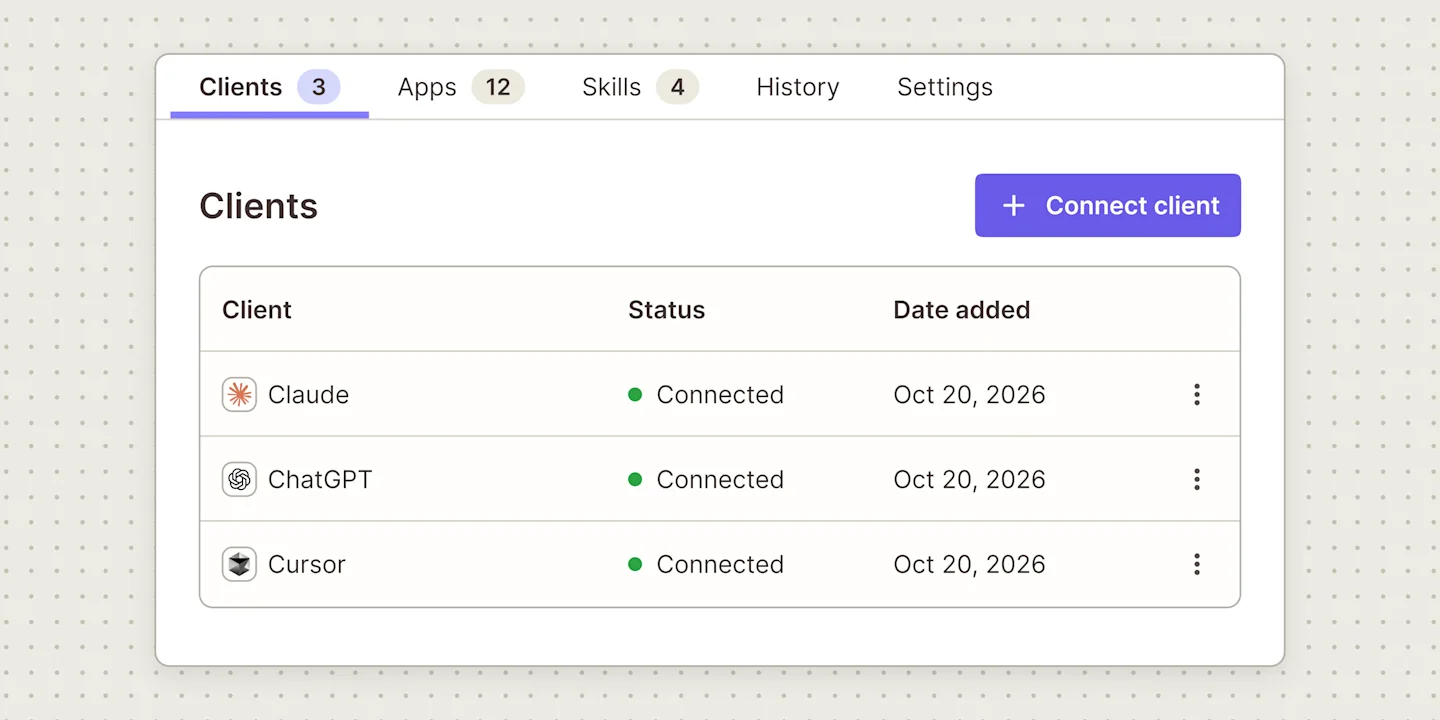
      Illustration of a Zapier MCP server Clients tab listing three connected clients, Claude, ChatGPT, and Cursor, each marked Connected, with a Connect client button.

      What changed

      • Connect your tools to one Zapier MCP server and share their apps and skills
      • Every tool call from every client lands in the same history
      • Pick exactly which actions Claude, ChatGPT, and Cursor can run
      • Lock a field, like the Slack channel a message posts to

      Availability

      Multi-client servers are available now in Zapier MCP, which is included in every Zapier plan. You need Owner or Editor access to a server to add clients to it. Skills only work in agentic mode, so a server in managed mode shares its apps and actions but not its skills.
    1. AccountNewFree, Professional, Team

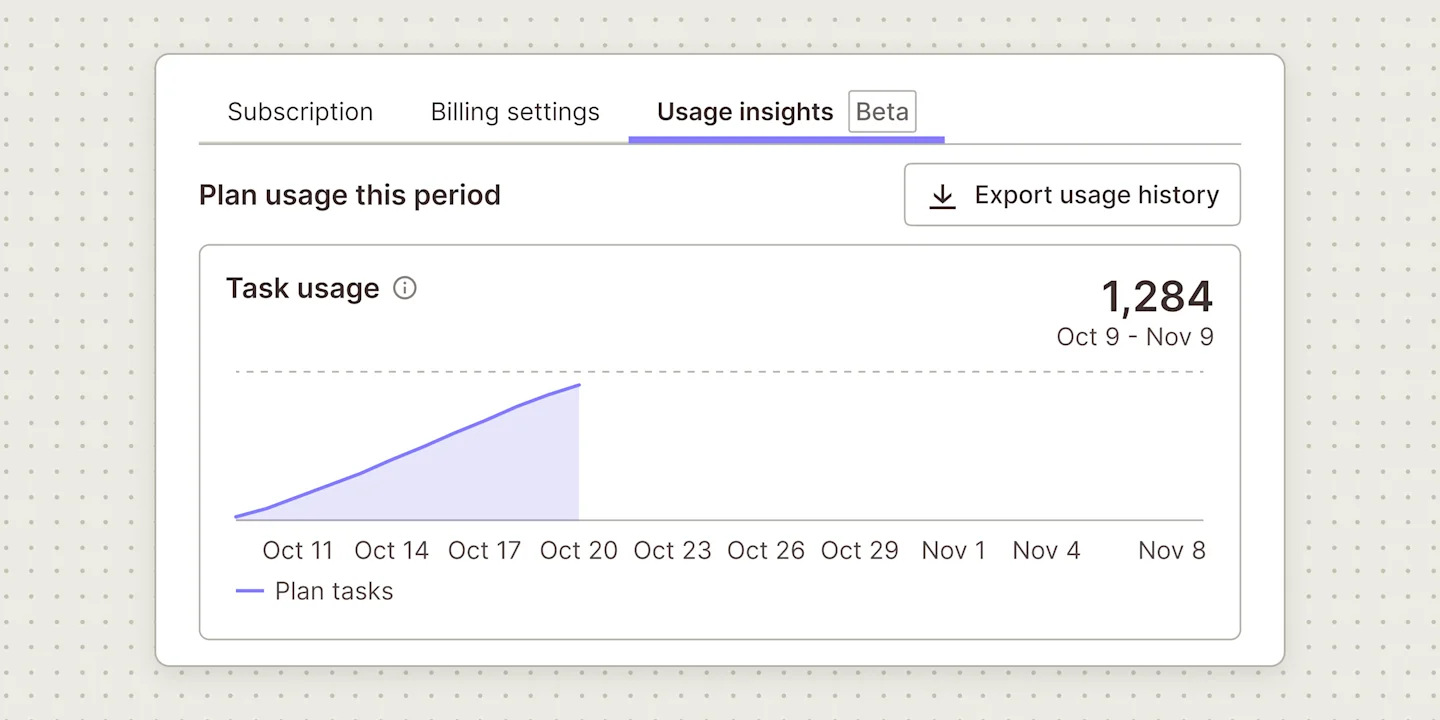
      Download a CSV of your task usage for up to your last 12 completed billing periods from the Usage insights tab, and compare each period with your plan's task limit. Now in open beta.

      Illustration of a Zapier Usage insights tab, labeled Beta, with a task usage chart for the current billing period and an Export usage history button.

      What changed

      • Export up to your last 12 completed billing periods of task usage as a CSV
      • See the tasks you used next to your plan's task limit
      • Give whoever manages your software budget the usage data without a Zapier login

      Availability

      Usage history export is in open beta on Free, Professional, and Team plans with a monthly task limit. It isn't available on Enterprise plans or plans with an annual task limit. On Team plans, Admins and Owners can open the Usage insights tab.

    1. Zapier MCPNewFree, Professional, Team, Enterprise

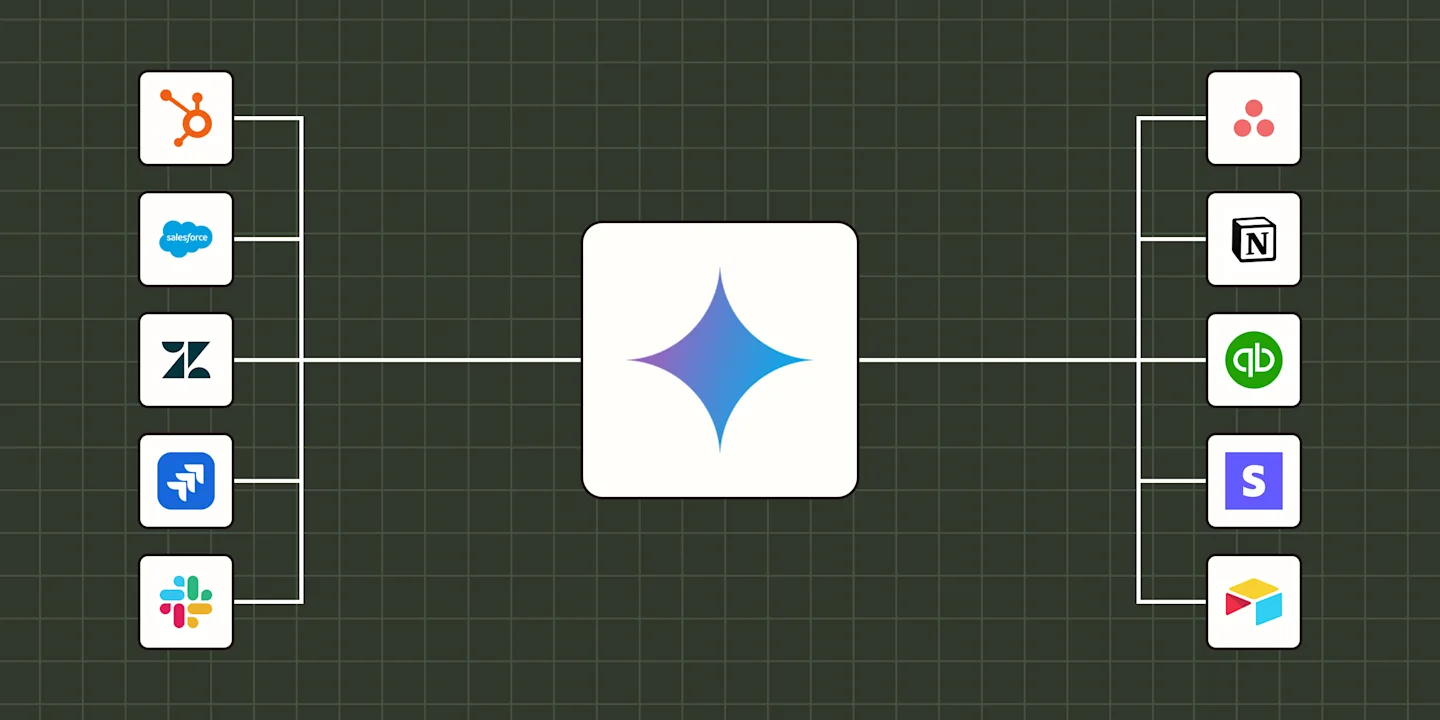
      Gemini Enterprise can now connect to Zapier MCP. Choose which actions Gemini can run, and your team can look things up and take action in 9,000+ apps from the Gemini chat.

      Illustration of the Gemini logo at the center of a Zapier brand background, connected by lines to HubSpot, Salesforce, Zendesk, Jira and Slack on the left and Asana, Notion, QuickBooks, Stripe and Airtable on the right.

      What changed

      • Gemini Enterprise now connects to Zapier MCP and 9,000+ apps
      • Gemini can read from and update each app with its Zapier actions
      • Pick exactly which actions Gemini can run and lock fields

      Availability

      Zapier MCP is included in every Zapier plan. You'll also need Gemini Enterprise, plus someone with the Discovery Engine Editor role in Google Cloud to create the data store. Each successful tool call uses two tasks, and data stores work in the global, us and eu locations. Google lists the Zapier connector as a public preview.

    1. AdminNewEnterprise

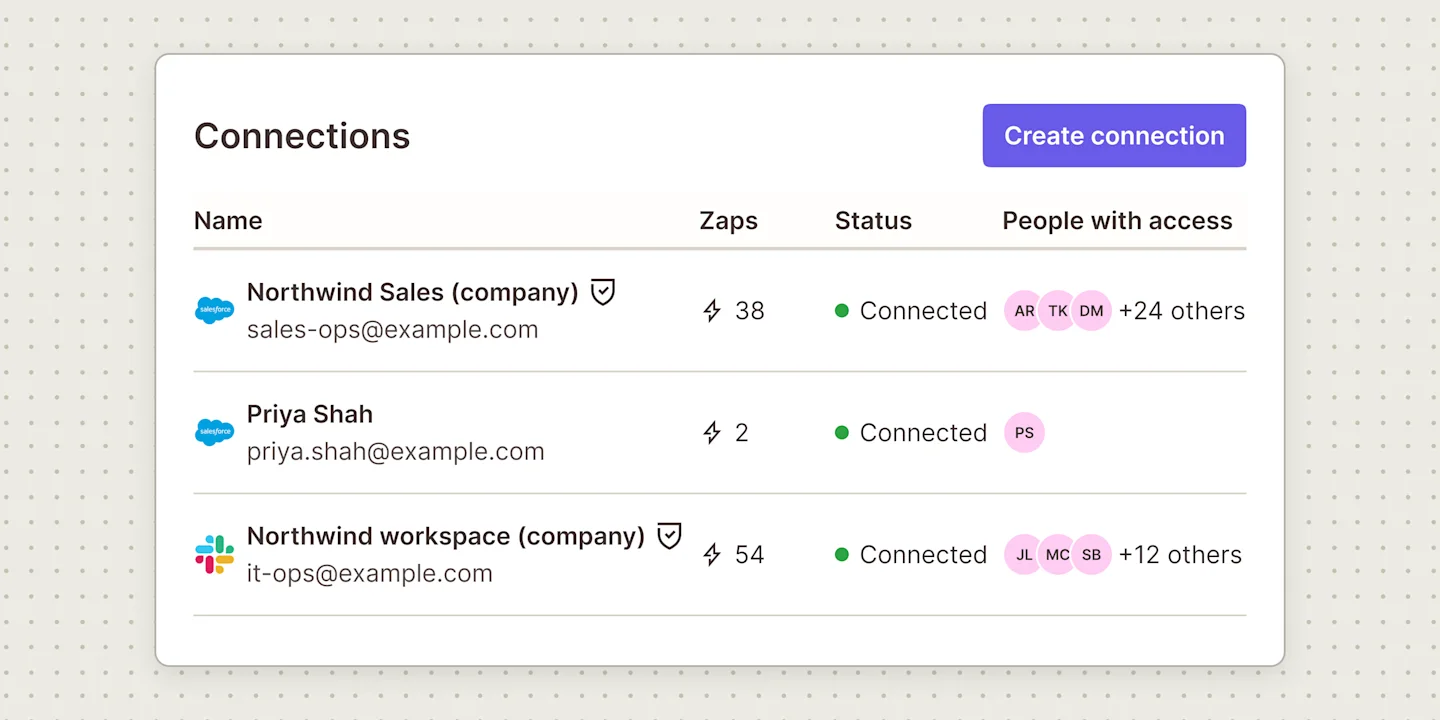
      Enterprise admins can create a company-owned connection from the App Connections page and share it with people or teams, so members can use the app in Zaps without their own credentials.

      Illustration of a Zapier Connections page with a Create connection button, listing two company connections marked with shield icons, for Salesforce and Slack, and a personal Salesforce connection without a shield, with a Zaps count for each.

      What changed

      • Create a company-owned app connection once and share it with people and teams
      • Pull access from one place when someone leaves
      • Members can't create personal connections to managed apps

      Availability

      Managed connections are available on Zapier Enterprise, for admins and super admins to create and share. Not on Enterprise yet? Talk to our sales team.

    1. Zapier MCPNewFree, Professional, Team, Enterprise

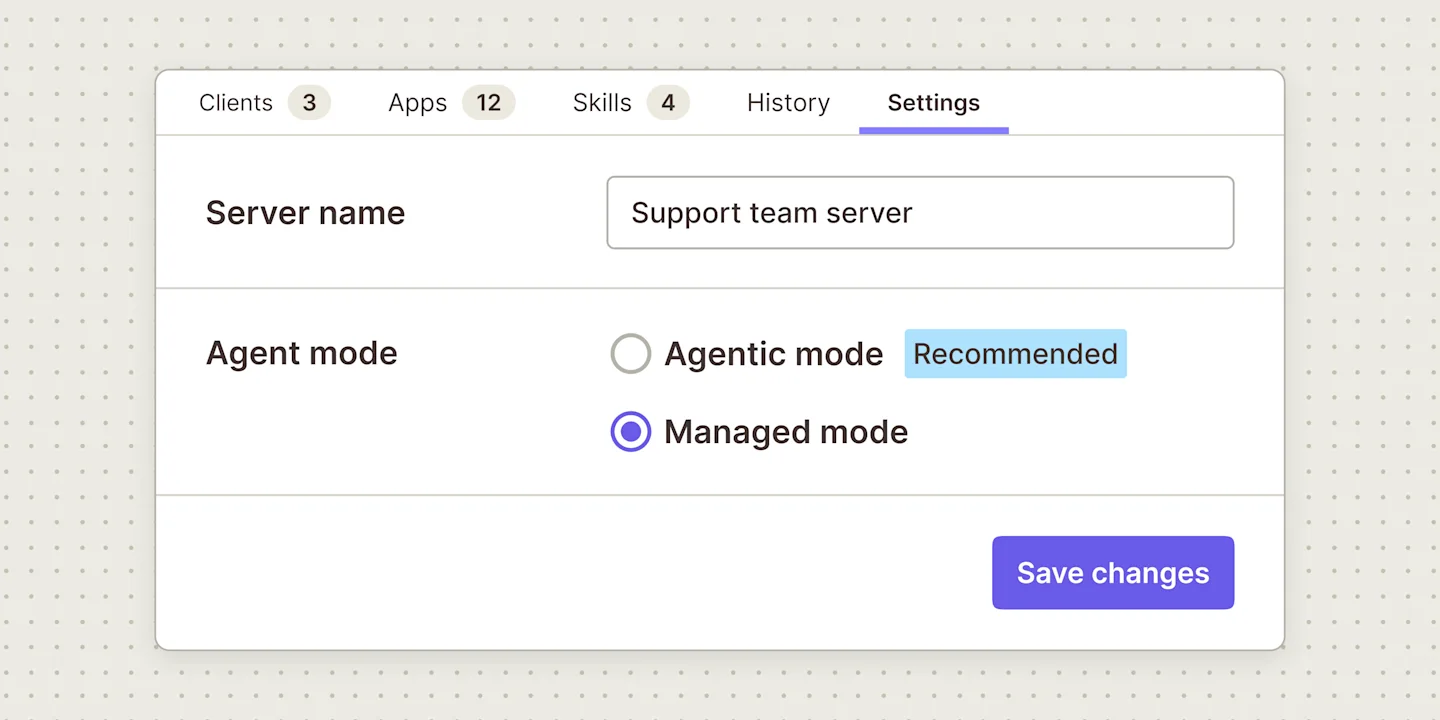
      Choose per Zapier MCP server whether your agent finds its own tools (agentic mode) or uses a fixed set of actions you pick, with locked field values (managed mode).

      Illustration of a Zapier MCP server Settings tab with the server name Support team server and two Agent mode options, Agentic mode marked Recommended and Managed mode selected, above a Save changes button.

      What changed

      • Switch any Zapier MCP server between agentic mode and managed mode
      • Your agent finds and runs tools on its own across thousands of apps
      • You pick the actions, and each one becomes a tool
      • Lock field values for each tool

      Availability

      Zapier MCP is included in every Zapier plan. Anyone with Owner or Editor access to a server can switch its mode, and sharing a server with teammates requires a Team or Enterprise plan.

    1. TablesNewTeam, Enterprise

      Connect Airtable, choose a base and table, and import selected fields into a new Zapier Table without changing your source base.

      An import card with the Airtable logo, an arrow, and the Zapier Tables logo above a purple Import from Airtable button.

      What changed

      • Import Airtable fields without changing the source base
      • Start working in the new table while imports continue loading
      • Connect the records to workflows across 9,000+ apps
    1. AI by ZapierNewProfessional, Team, Enterprise

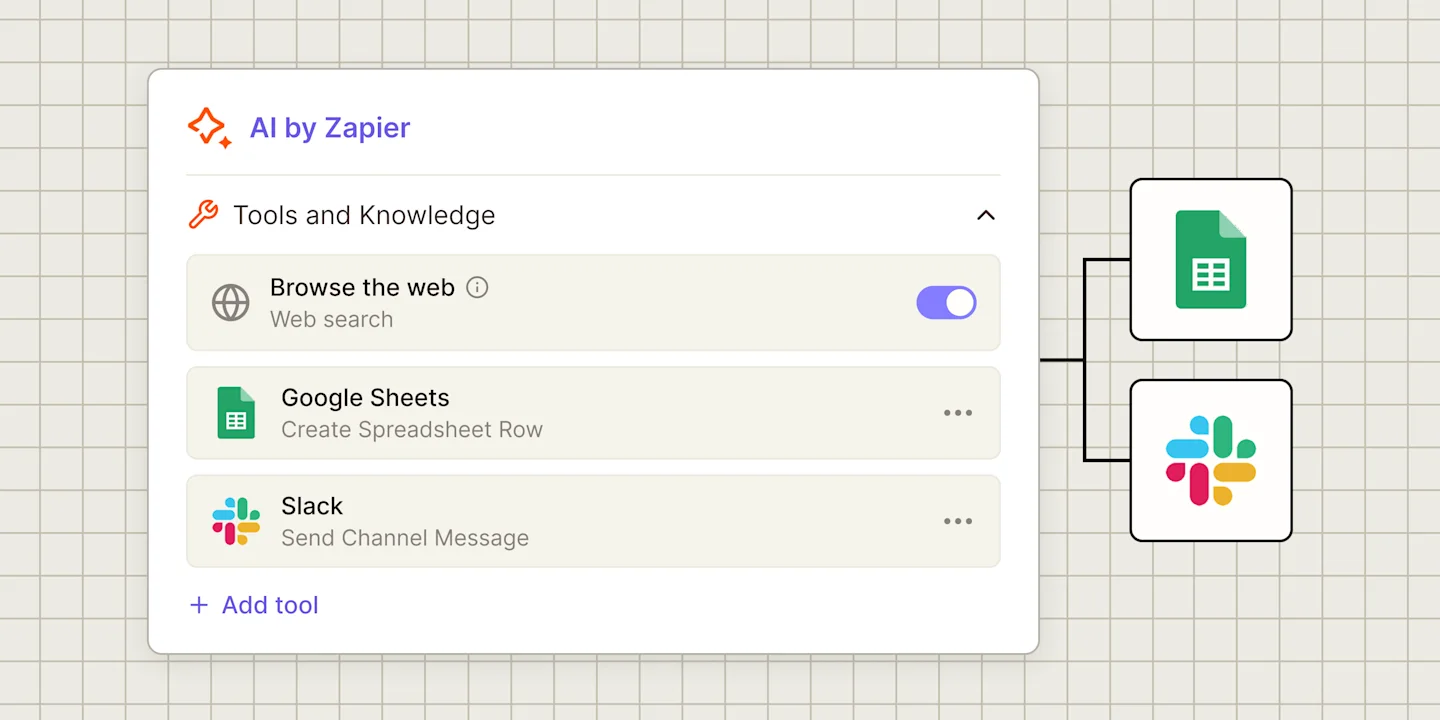
      Your AI by Zapier step can now look things up and act in your apps. Add app actions, knowledge sources or web browsing as tools, and require approval before a sensitive tool runs.

      Illustration of an AI by Zapier step's Tools and Knowledge section with Browse the web switched on and two tools, Google Sheets Create Spreadsheet Row and Slack Send Channel Message, above an Add tool link, beside Google Sheets and Slack logos.

      What changed

      • Give an AI step tools: app actions, knowledge sources and web browsing
      • Require approval before running any tool that creates, updates or deletes data
      • Activity tab lists each tool the step called, what it did and whether it worked

      Availability

      Tools work on Professional, Team and Enterprise plans, and Free plans aren't included. The step needs an Advanced or Premium model, or your own API key for one of those models. Each run of the step and each successful tool call costs your model's tier rate: 3 tasks on Advanced, 5 on Premium. A Premium step that calls two tools uses 15 tasks, and runs pause at 75 tasks unless you raise the limit to 500.

    1. ZapsNew

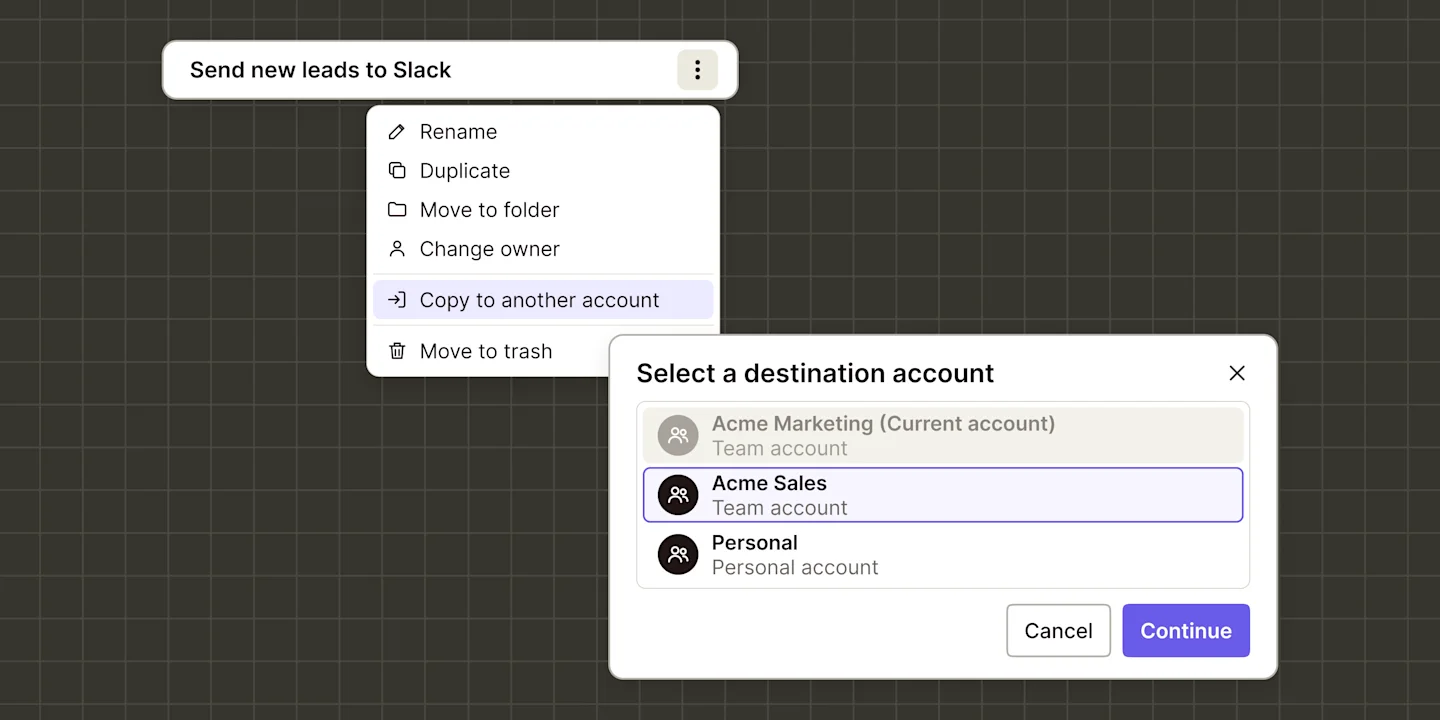
      Copy Zap workflows, Tables, Forms, Interfaces, Chatbots, and Agents to another Zapier account instead of rebuilding them, then reconnect your apps and turn them on.

      Illustration of a Zap row menu (Rename, Duplicate, Move to folder, Change owner, Copy to another account highlighted, Move to trash) overlapped by a destination dialog: Acme Marketing grayed, Acme Sales selected, Personal, Cancel, Continue.

      What changed

      • Copy a Zap to another Zapier account instead of rebuilding it by hand
      • Tables, Forms, Interfaces, Chatbots, and Agents copy over
      • Copy to any account you belong to as long as you have View access

      Availability

      You can copy to any account you belong to, as long as you have View access to what you're copying. Agents have to be in a folder first, and if your account uses SAML single sign-on, an admin needs to provision your account in your company's identity provider.

    1. ZapsNewFree, Professional, Team, Enterprise

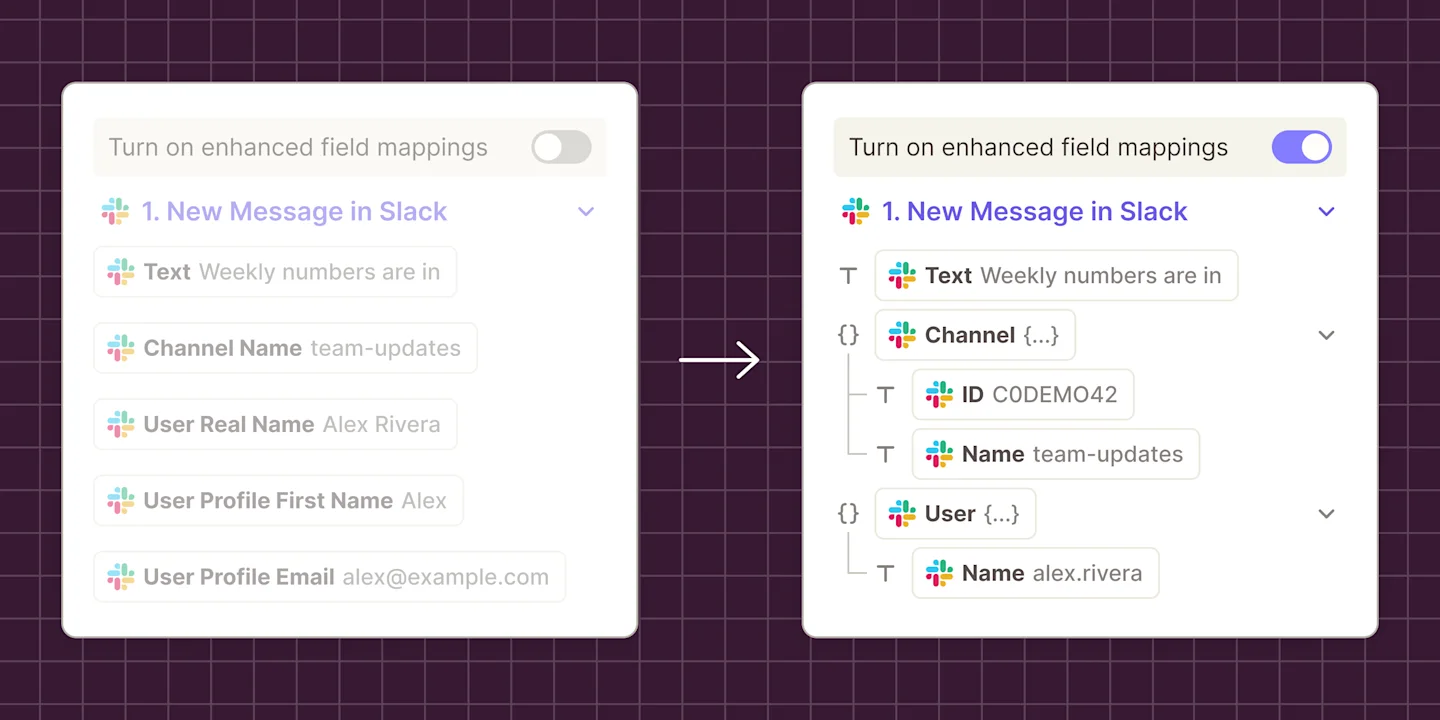
      Stop scrolling through long, flattened field names. Turn on enhanced field mapping to browse step data as a tree, see each field's type, and map a value, an array, an object, or line items.

      Illustration of two Zapier field mapping dropdowns for a Slack step, one with enhanced field mappings off above five flat fields such as User Profile First Name, the other with it on above a tree of Text, Channel with ID and Name, and User with Name.

      What changed

      • See data as nested objects, arrays, and lists, each with its type
      • Nested data opens as a tree, so you only expand the part you need
      • Map it as line items, so you can skip the separate Formatter step

      Availability

      Plans: All Zapier plans. Existing Zaps: Published Zaps keep running as before. The toggle only changes what you see in the field mapping dropdown.